

Function Keyboard
A keyboard for iPhone and iPad. Talk, slide or type, and it puts in what you meant.
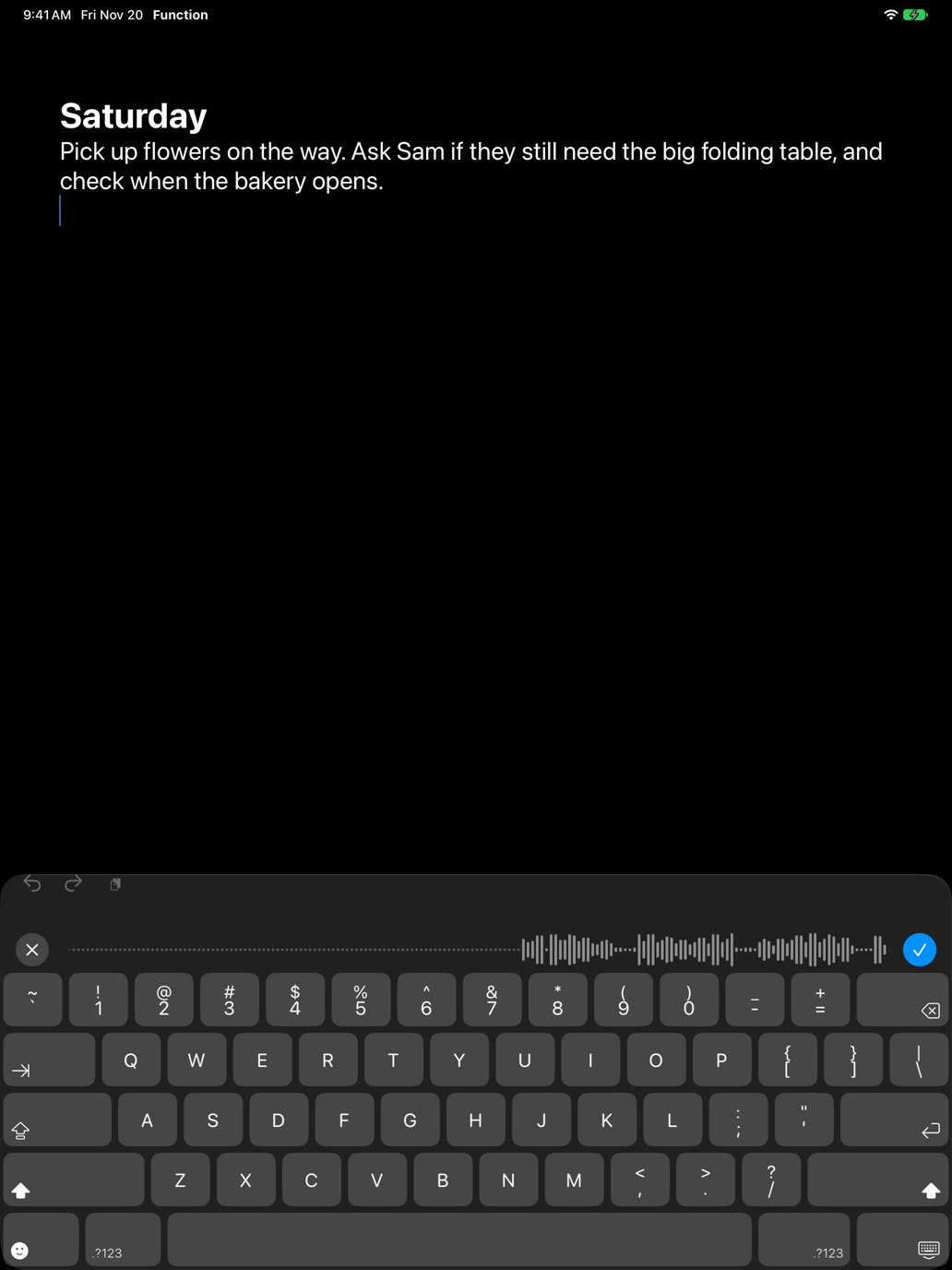
Talk instead of typing
Tap the waveform and talk. Function types what you meant, with the ums taken out.
Slide to type whole words
Draw across the letters without lifting your finger.
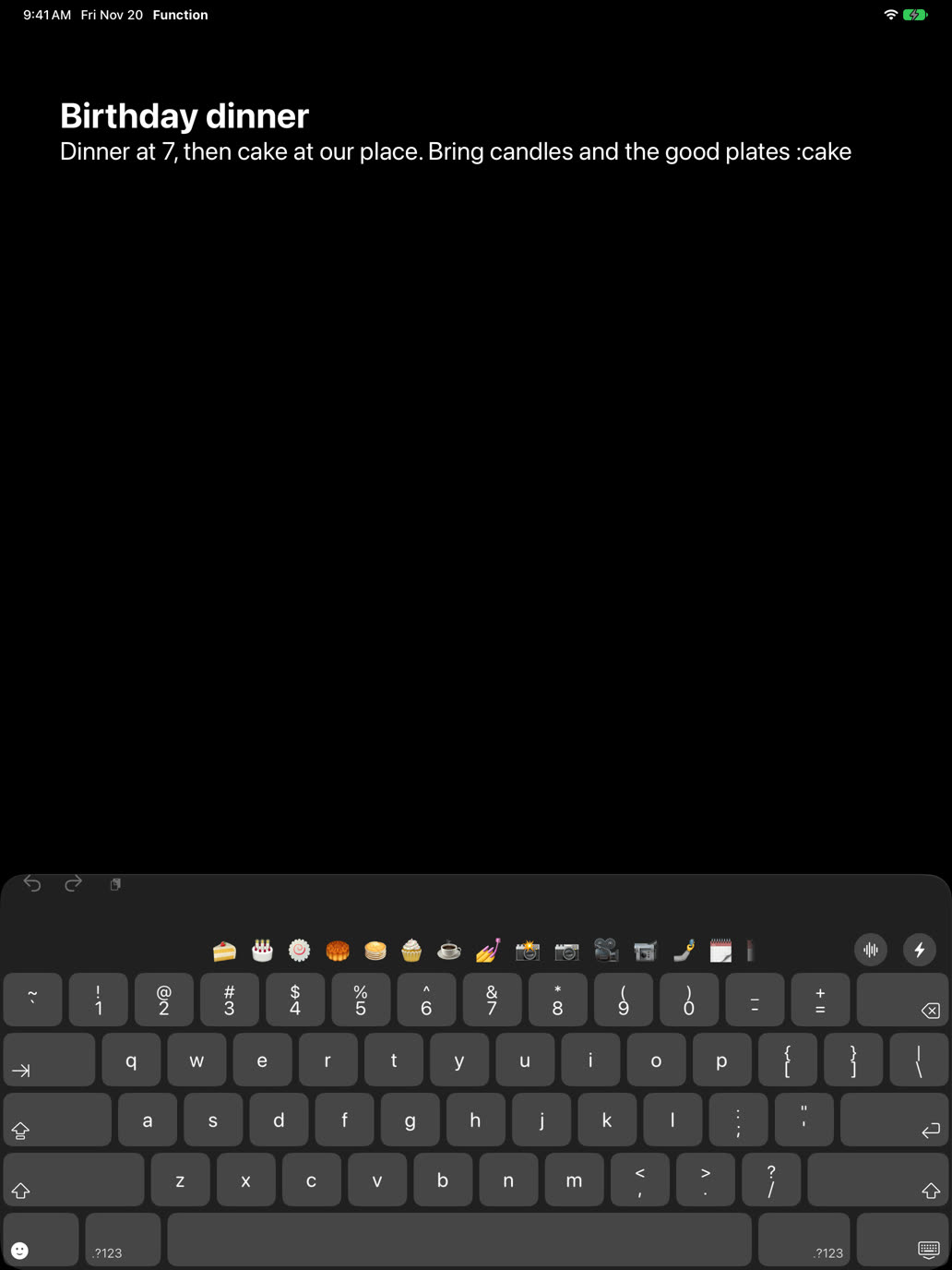
Type : to find any emoji
Type a colon and a word, then tap the one you want.
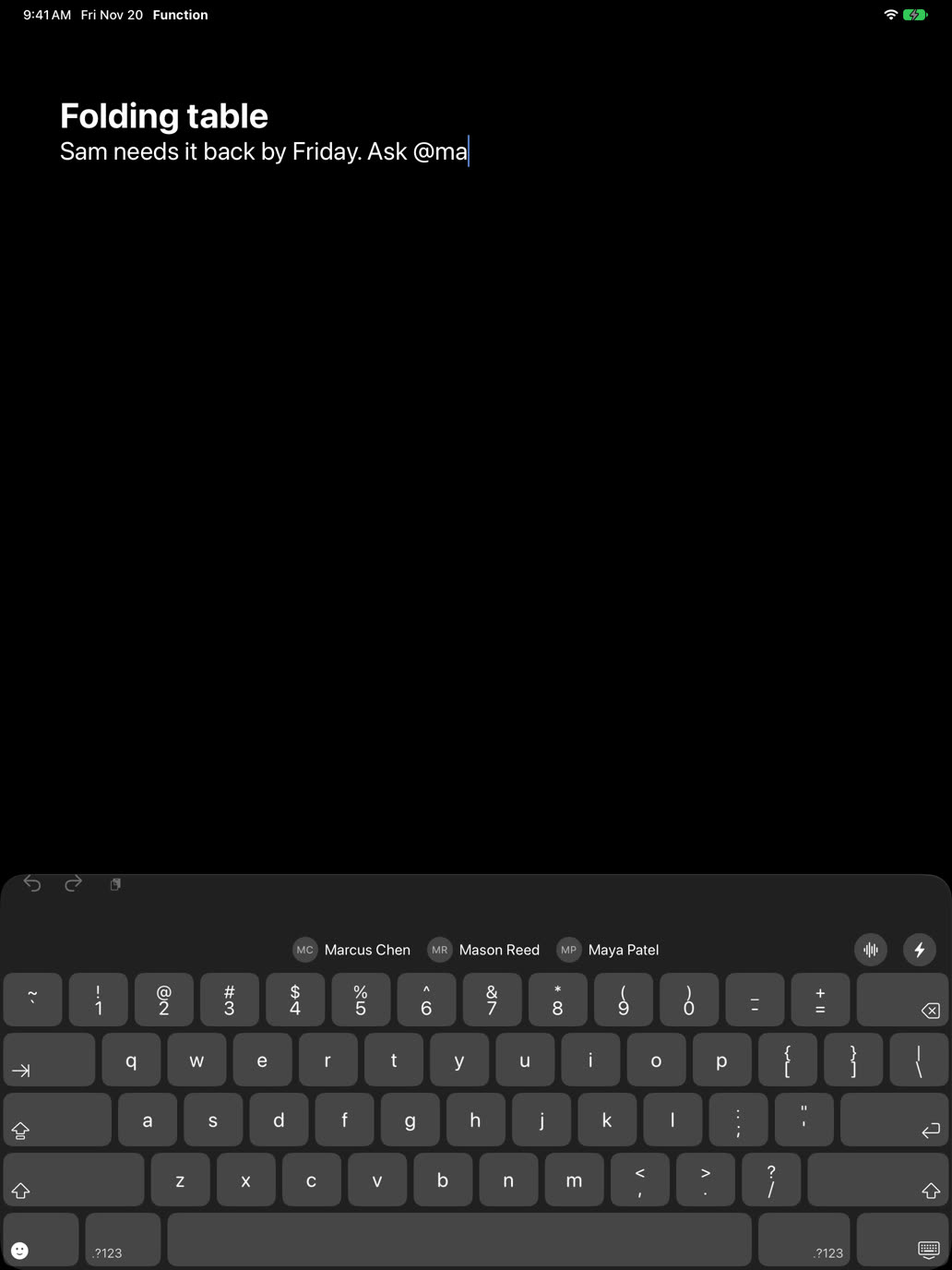
Type @ to find a contact
Pick someone to put in their name, number or email.
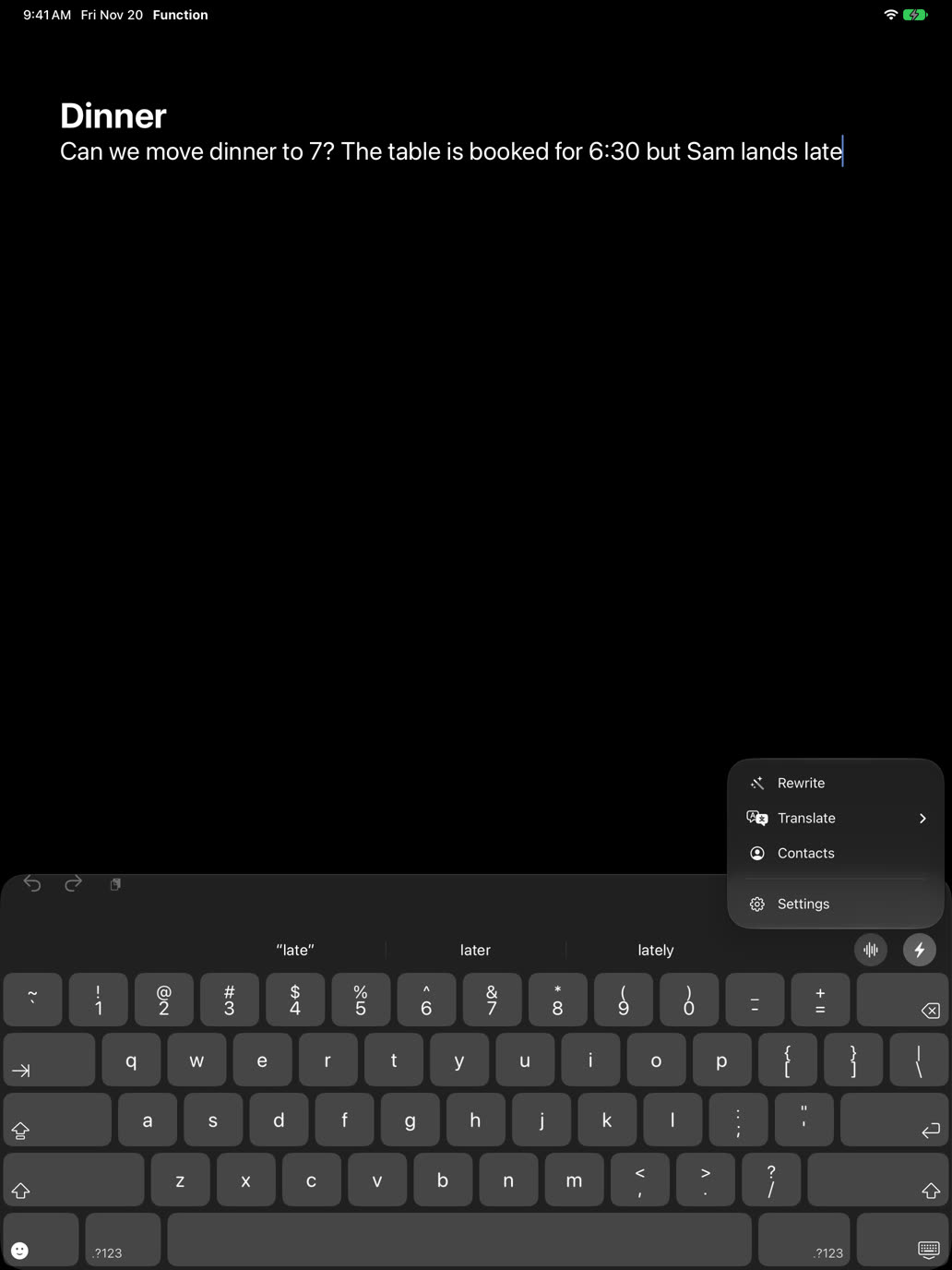
Rewrite or translate it
Tap ⚡ to rewrite what you wrote or translate it. Select words to look them up.
Autocorrect stays on your iPhone
Corrections are worked out on your iPhone. What you type isn’t sent anywhere for them.
On iPad too
Voice, emoji, contacts and ⚡, on iPad’s full-size keyboard.
The Function dictation API
The same Voice as the keyboard, as an API. Send speech and get back text, polished and ready to send or every word as it was said. Send a whole recording, or stream it while the person talks.
Dictate
function/dictateSpeech to polished text, as Function's keyboard types it: fillers and false starts gone, self-corrections resolved, lists and paragraphs laid out, in the speaker's own voice.
Transcribe
function/transcribeSpeech to text: every word as it was said, punctuated, with the names and terms you send spelled right.
Both take WAV, M4A or raw audio, in one request or streamed.
install the skill at functionvoice.ai/skill.md and setup functions dictation api# Polished text from a recording
curl https://functionvoice.ai/api/v1/audio/transcriptions \
-H "Authorization: Bearer $FUNCTION_API_KEY" \
-F model=function/dictate \
-F file=@recording.m4a
# {"text": "Can you send the deck to Priya by Thursday?", "usage": {"seconds": 4.2, "cost": 0.0013611111}}Get Function Keyboard
The keyboard is free. Function Pro is $9.99 a month for unlimited Voice.